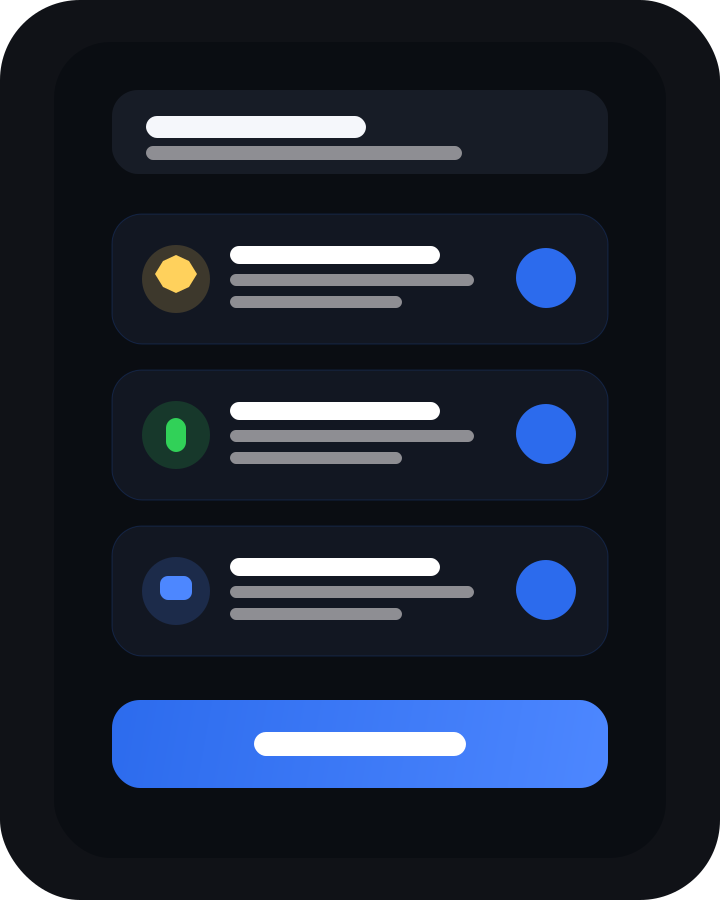
Onboarding is short and explicit
Notifications, microphone, and camera are requested because ZeeMSG supports messaging, voice notes, calls, and QR-based invite flows.
Feature inventory
Chats, media, calls, invite onboarding, privacy controls, backups, and operator-grade network settings live in the actual product.
Feature map
This is the product the website now reflects: invite-based onboarding, modern messaging, encrypted calls, configurable privacy, and operator-grade network tooling.
Invite links, QR codes, contact requests, nickname support, notes, block/mute states, and fingerprint verification.
1:1 messaging, read state, typing indicators, pinned conversations, attachments, link previews, and message details.
Record, send, and play voice notes with dedicated waveform-style playback in the modern theme.
Call from the chat view or the dedicated calls tab, keep history, and use verification-aware call flows.
PIN lock, privacy shield, read-receipt control, typing-status toggle, link preview control, and trust-on-first-use options.
Export an encrypted backup of the database and key, then import it with a password when you move devices.
System, light, and dark modes, modern or terminal style, plus adjustable text scaling.
Direct or Tor mode, relay URL and token management, TURN settings, diagnostics, and device-token maintenance.
Notifications, microphone, and camera are requested because ZeeMSG supports messaging, voice notes, calls, and QR-based invite flows.
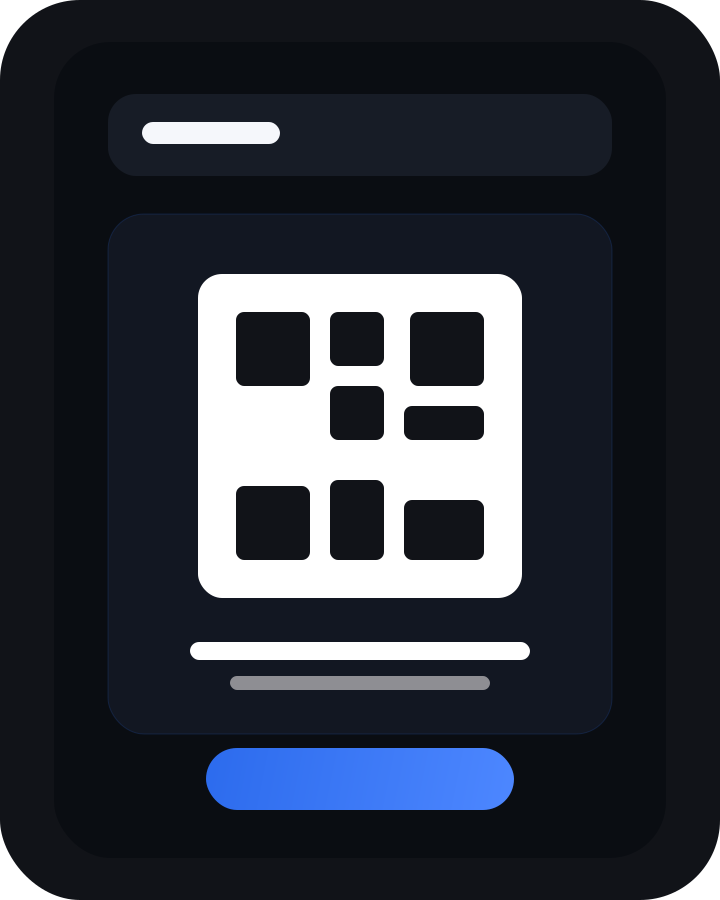
Share links, show QR codes, scan QR codes, and add contacts without importing a phone-number address book.
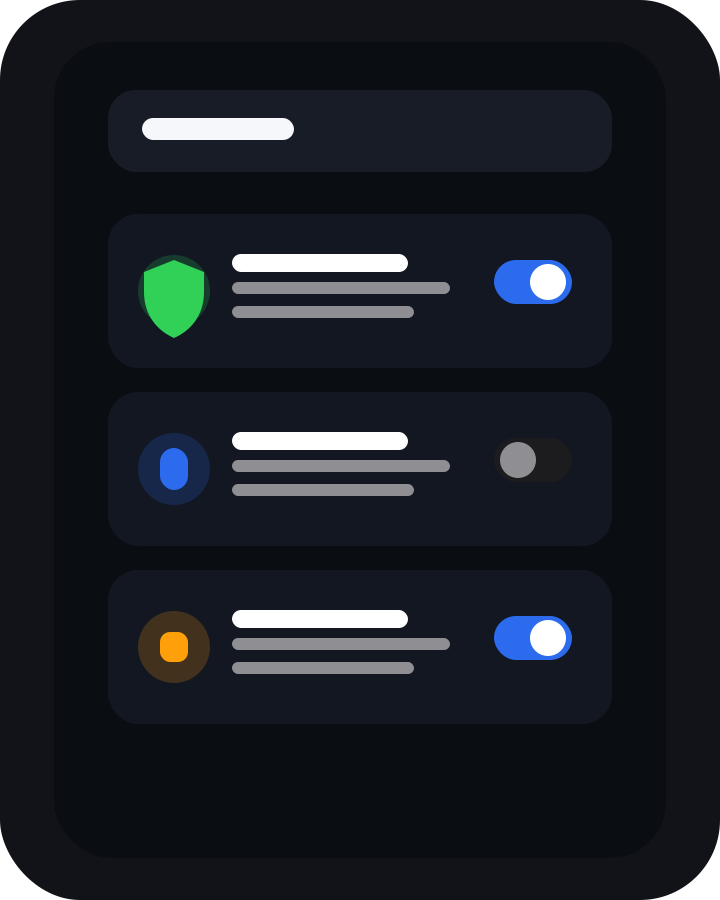
The product surfaces privacy and trust as real settings pages instead of keeping them as vague brand language.
Use cases
The app is designed for direct private conversations, verified contact sharing, and resilient communication when the network path matters.
Talk with a verified contact without tying identity to a phone number or public social profile.
Share photos, video, files, and voice notes inside the same encrypted channel as the conversation.
Move from messaging into voice or video without leaving the trust and identity model of the app.
Use PIN locking, privacy shielding, receipt controls, backups, and Tor mode when your threat model needs them.