Why ZeeMSG exists
A private messenger that does not start with a phone number
ZeeMSG is built around direct encrypted communication, invite-based identity, and user-visible privacy controls. The goal is not social growth or engagement loops. The goal is a secure conversation layer you can actually understand.
Identity without SIM dependence
You create your identity in app and add contacts with secure invites or QR codes instead of exposing a carrier-linked number.
Security controls you can see
Verification, PIN lock, Tor mode, relay diagnostics, backups, and privacy settings all exist as real UI, not a buried support article.
Modern, focused product design
The iOS app already supports a modern visual system with cleaner cards, blue accents, rounded controls, and dedicated screens for chats, calls, settings, and onboarding.
How it works
What the product does under the hood
ZeeMSG creates private channels between people, keeps sensitive material local to the device, and lets the user decide when to trust a session.
- Create or receive an invite.
- Establish a secure session with the contact.
- Encrypt messages and media before transport.
- Verify the fingerprint when trust matters.
- Use Tor or relay diagnostics when your network needs extra privacy or debugging.
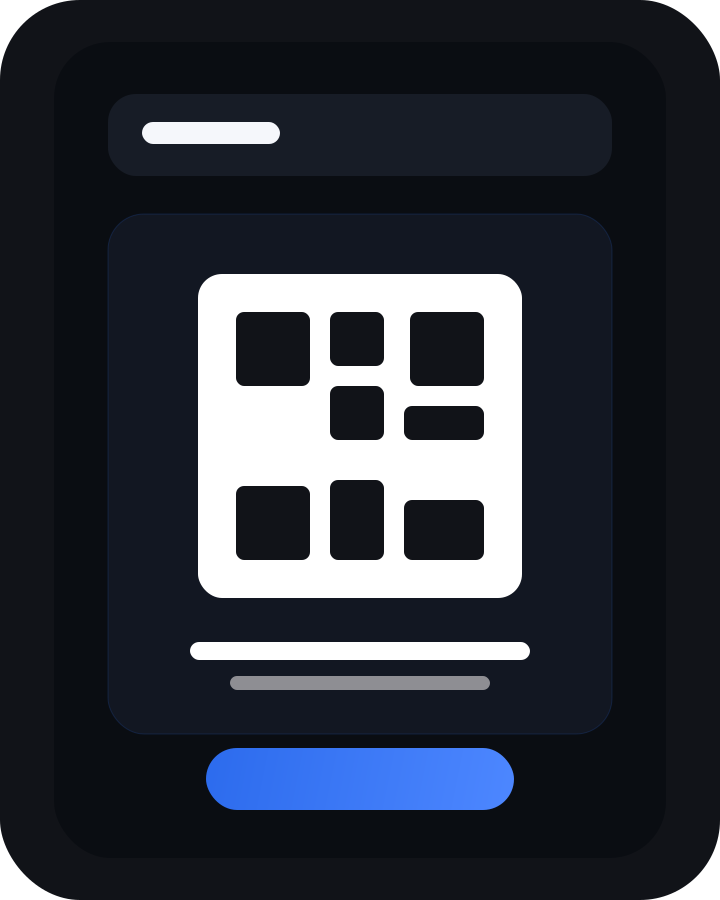
Invite-first onboarding
Invite links and QR codes are first-class parts of the app, not an afterthought bolted onto phone-number signup.
Design principles
What ZeeMSG optimizes for
The product favors clarity and control over frictionless growth hacks. That affects both the UI and the technical surface area.
There is no growth funnel hidden behind the interface. The product story stays centered on private communication.
Encrypted chats, verification support, local protection, and privacy-aware network choices are part of the default product posture.
Relay URLs, Cloudflare access, TURN settings, diagnostics, and encrypted backup tools are available when an advanced user needs them.